
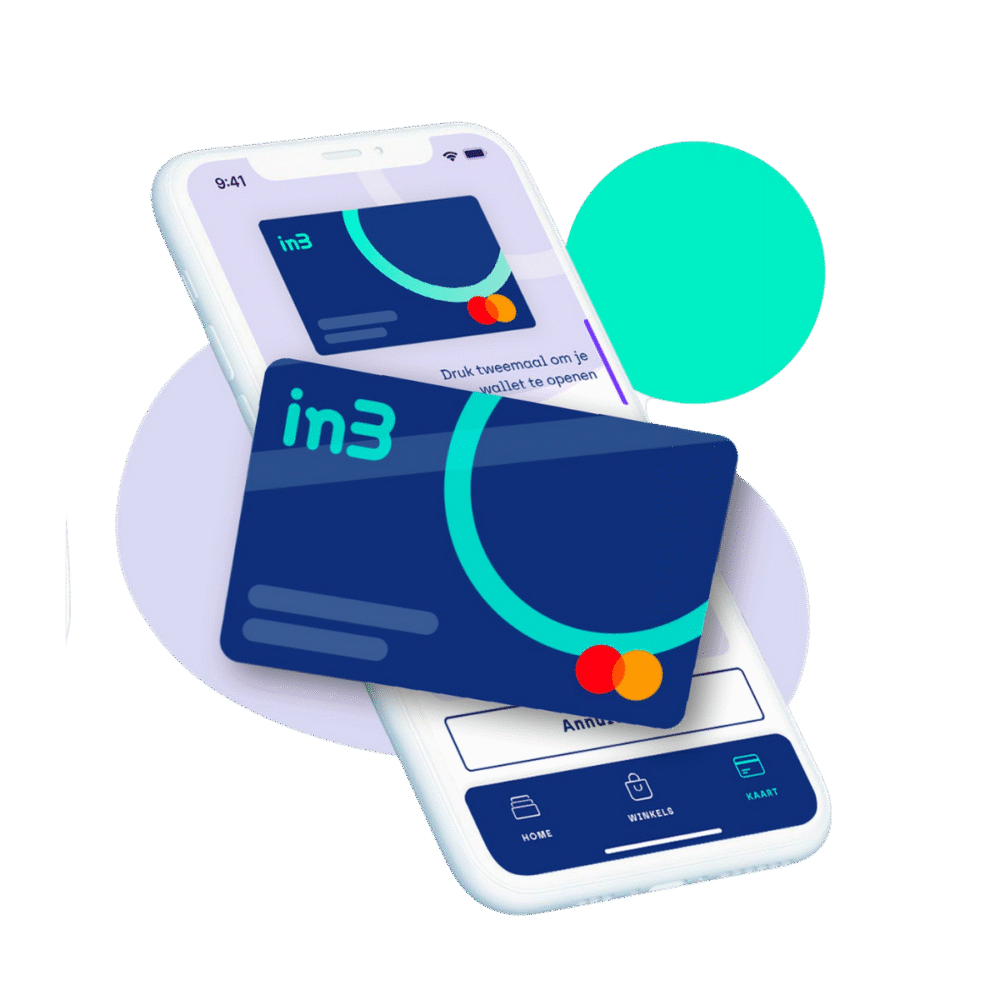
Pay in 3 instalments, 0% interest at IKEA
Step 1: Download the in3 app
Download our in3 app from the App store or Google Play store.
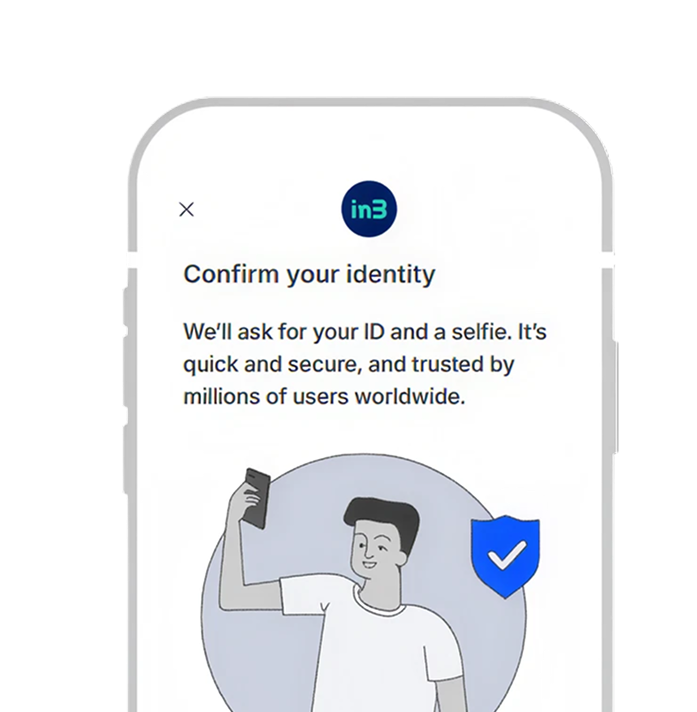
Step 2: Create an account
Create an account in our app with your personal information, verify it with the Verrif ID-check and check your spending limit (the amount for which you can use in3).
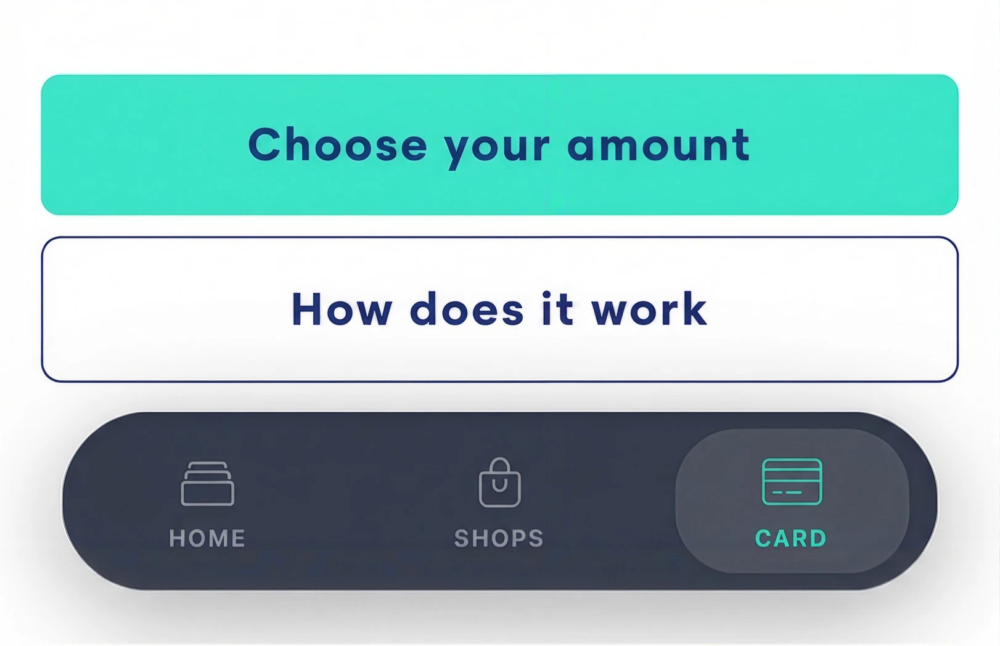
Step 3: Activate your in3 Card
Go to the bottom bar in the app (Home, Shops, Card) and click on Card. Activate your card and add it to Apple Pay or Google Wallet.
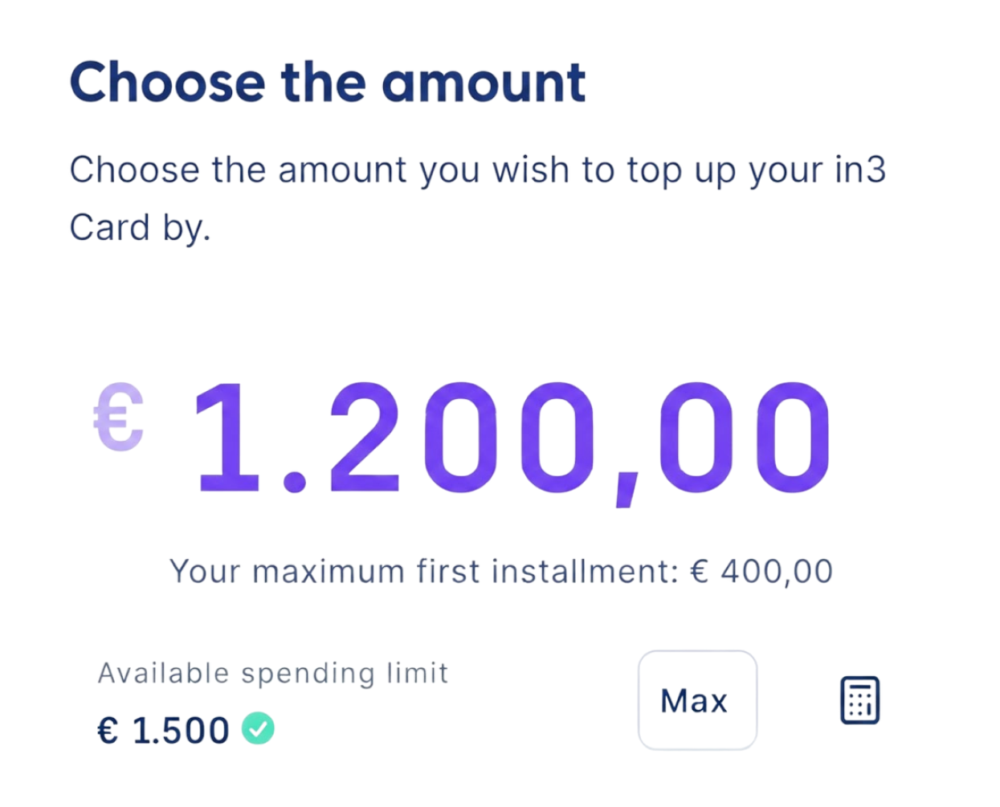
Step 4: Choose your purchase amount
Enter your total purchase amount and load it onto your card. Your first instalment is calculated based on the total. Note: Please make sure there are sufficient funds on the card, as the total may be higher if additional items are added at checkout. Any unused funds will be refunded.
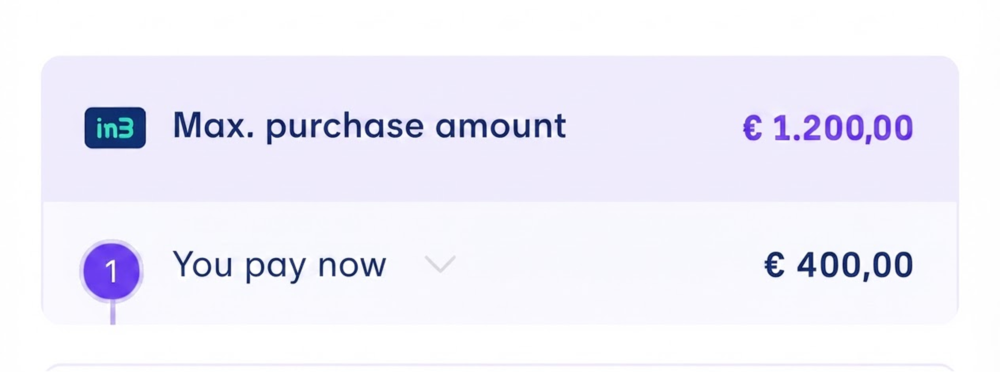
Step 5: Pay your first instalment
Pay 1/3 of your purchase via iDEAL/Wero. Then proceed to checkout. If you don't complete the purchase within the app's timer (4 hours), the amount will be refunded.
Step 6: Pay at the terminal with your phone
Use your in3 Card contactlessly at the payment terminal to complete checkout.
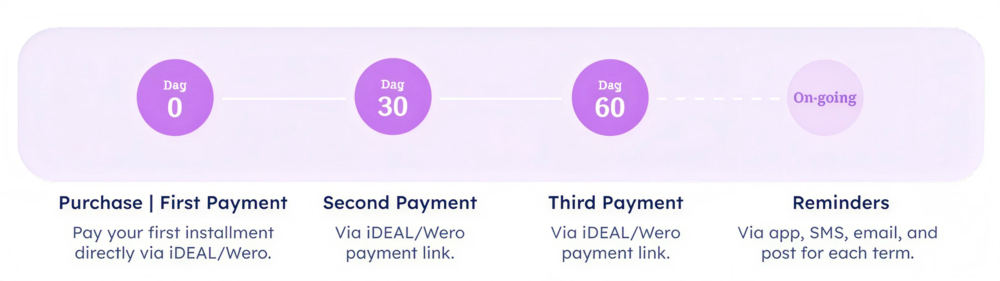
Step 7: Pay the remaining instalments
After your purchase, pay your 2nd instalment on day 30 and 3rd instalment on day 60 via iDEAL/Wero. You'll receive reminders through the app, SMS, email, and mail for each instalment.
Can I pay everything at once?
Yes. You can directly pay the full amount via iDEAL/Wero in the in3 app.
What happens with a return?
The store refunds you using their own preferred method. You then repay in3 according to the agreed instalment schedule.
What if I return part of my order?
If you return part of your order, you receive that amount back. Your second and third instalments remain unchanged; you still pay these through in3.
Can my phone be set to a different language when downloading the in3 Card?
Yes, your phone can be set to another language. However, your App Store must be set to the Netherlands, otherwise you cannot download the app.
Which banks are accepted?
When registering via the app, all banks are available. Registration via the website doesn’t support all banks. Always download the app to access all banks.
Which nationalities are accepted?
NL (passport, ID card, driver’s license), BE & DE (passport). Physical verification is required for in3 Card use. Make sure you have your document ready when registering
I have an account but cannot check out. What’s the problem?
In most cases, this is because there’s no or too little money on the card (e.g. due to extra “small” purchases at the register). Make sure you’ve loaded the total purchase amount onto the card.
What does the payment process look like for me?
- Day 0: you pay the first instalment.
- Day 30: you pay the second instalment via iDEAL/Wero.
- Day 60: you pay the third instalment via iDEAL/Wero.
You’ll receive reminders via app, SMS, email, and mail between payments.
I’ve loaded money onto the card and paid the first instalment, but don’t end up making a purchase?
If no purchase is made, the money is returned to your account after 4 hours. If you end up spending less than expected, we deduct the overpaid amount from the final instalment.